
Moonlighter 2 mouse and keyboard1.0 · 2026-09-03
Moonlighter 2 Mouse and Keyboard
Moonlighter 2 mouse and keyboard can price relics, drag bags, and click nodes. Combat still prefers a pad. Steam’s store lists full controller support and a gamepad recommended. App 2350790 is Windows, single-player, Cloud, Family Sharing, 56 achievements. Valve’s page is the PC reference for HEX notes, Blob-Life, and 1.0. This page is the cursor: when it works, when town inputs die, and why a cheap gamepad is the real accessibility option.
A 19 November 2025 thread (DennyXV) described town inputs dying after a dungeon on M&K, then a hard lock on the rebind screen. Another player (Arysto) lost mouse routing overnight and had to use WASD plus F. Developer Arne from 11 bit asked for repro steps. If 1.0 still fights you, finish Herald on a controller and use the mouse at the till. Do not live in the rebind menu mid-run.
When Moonlighter 2 mouse and keyboard is the right tool
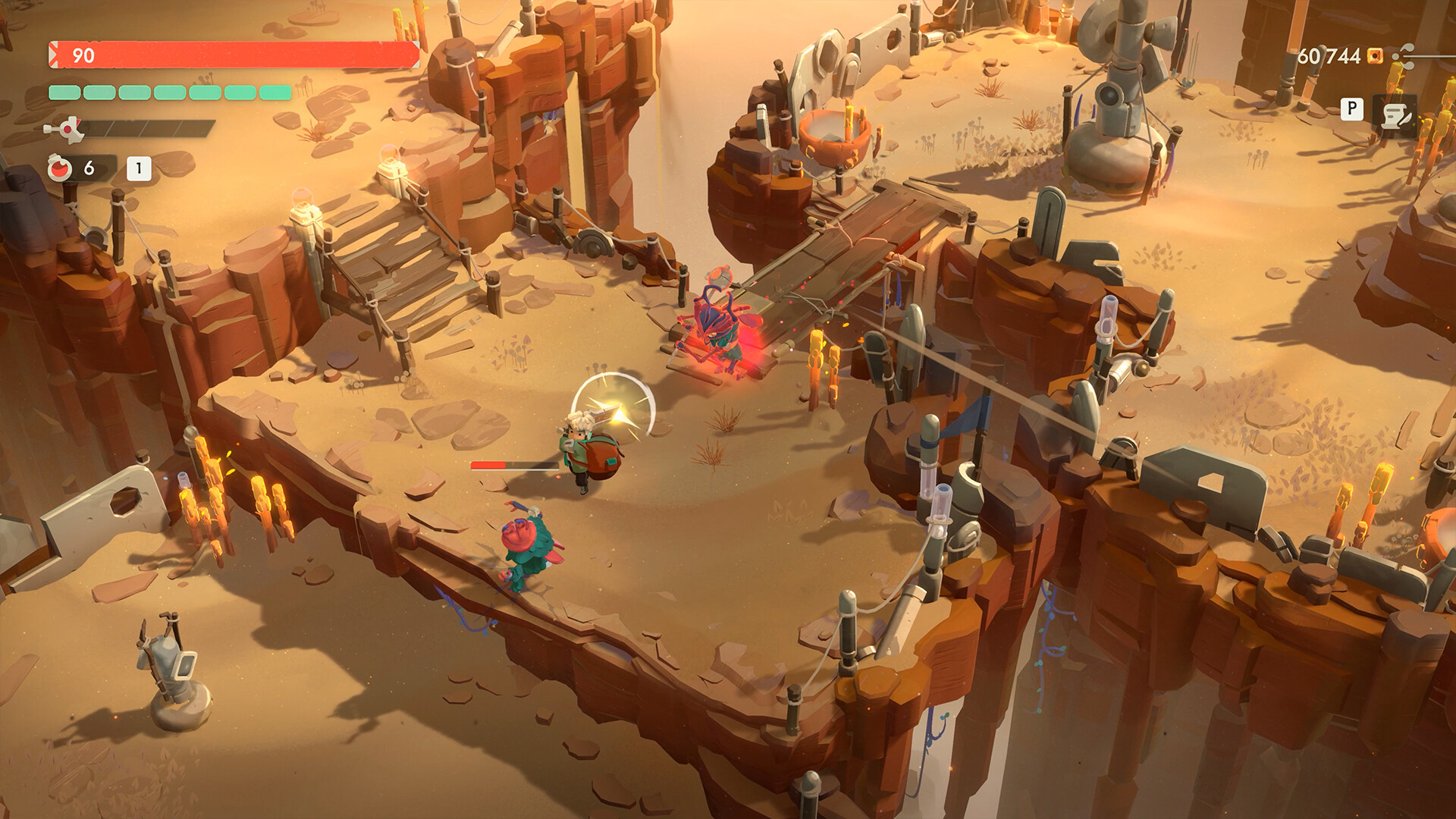
Shop tumblers are mouse jobs. Codex neighbors, Comtesse placement, and chest-to-case drags are mouse jobs. PixelNitro even called the shop the responsive half on Switch 2; on PC that half is happier with a cursor. Combat is isometric 3D with backpack throws, dodge rolls, and Herald’s ruptured objects. Analog aim and a face-button throw beat a WASD panic. Using both in one session is normal. Steam’s category is “full controller support,” not “keyboard unsupported.”
Steam Deck appears in an 11 bit bundle as Verified-adjacent marketing. A Deck thread complained that after Tomo bought an artefact the game switched from gamepad to keyboard and would not switch back without a relaunch. That is a device-switching bug, not a reason to force M&K in Kalina. This page will not invent a Deck performance table Digital Sun did not publish.
Left-handed players asked about arrow keys for movement. If the rebind screen is the same freeze DennyXV hit, do not stay there. Use a pad or default WASD until a patch. Do not force-quit inside a Hardcore bag.
Cloud saves are the PC safety net. They do not rewind Hardcore deaths. Family Sharing is listed; it is not co-op. There is no Steam Workshop for this executable in the store categories that matter. Community guides (14 in the scrape) are guides, not input mods. Installing Moonlighter 1 BepInEx into this folder will not fix your mouse.
Languages: set English or your Codex language before you stamp Perfect so names match notes. English has full audio and subs; others are interface and subs.
What if you do not own a pad

You can finish the shop loop with a mouse. You can fight Kalina with WASD plus F if routing works. Herald’s backpack-return throw is the test. If you miss the object because a cursor fight ate the bind, buy any USB pad. DualShock, DualSense, Xbox pads, and generic HID devices are the usual Steam Input story. This page will not invent a 1.0 bind table. Open Steam Input. Do not live in the in-game rebind UI if that UI is the freeze.
Demo exists for people who skipped Early Access. Use it to test whether your keyboard survives a town return. If town dies, refund math is Valve’s, not this wiki’s. Keys from grey markets are out of scope. Trainers are out of scope.
1.0 payload is identical on mouse or pad: Vault VII, Infinite, Hardcore, shop 5, Bomb Path, Endless aspects. Input does not add biomes. Metacritic 76 in the embed is not a mechanic. Very Positive English reviews (85% of 1,272 in the scrape) versus recent Mostly Positive (79% of 145) is a launch-week snapshot, not a patch clock.
Switch 2 and PS5 are pads by default. This page is Windows. Game Pass PC uses the Microsoft Store/Xbox app; Play Anywhere will not import a Steam bind profile. Two PC stores are two input sandboxes.
Mistakes: forcing rebinds until freeze. Assuming Workshop will appear because 2018 had Nexus mods. Skipping Cloud. Buying Deluxe for “better mouse support.” Waiting for co-op so a friend can play pad while you play mouse. Inventing a 750000 gold keyboard unlock.
Canonical URLs live on https://moonlighter2wiki.wiki. Open controller if you want the pad-first argument, steam for store facts, gameplay for the loop those binds serve.
News hub is the patch bible. Greed and Glory, Blob-Life, and 1.0 dropped on Steam first. Console follows. If a bind broke after Tomo, relaunch before you delete the folder.
HowLongToBeat’s PC logs are the sample. Keyboard deaths inflate that clock. A pad in Herald is a time-save, not a skill issue confession.
NWR could not put the Switch controller down once the merchant half clicked. On PC the merchant half is why the mouse stays on the desk even after you plug in a pad. Keep both. Use the cursor at the till. Use analog in the canyon.
If 1.0 still hard-locks the rebind screen, force-quit, skip that menu, play. File a repro if Arne’s thread is still the channel. Do not remap every key as a superstition.
Controller support is a store category. Gamepad recommended exists because backpack throws are analog jobs. Shop tumblers are mouse jobs. That split is the whole PC story.
Base SKU listed $29.99 with a launch-week 30 percent sale ending 16 September in the scrape. That sale does not add binds. Deluxe is patio, artbook, soundtrack. None of those SKUs fix town input. Collector plastic in November is a disc or cart for other pages.
Jump clears ground waves and roll covers lasers. Those are keyboard-possible and pad-better. Backpack-return is pad-better. Pricing is mouse-better. If you only own a keyboard, play, but budget extra Herald deaths in your HowLongToBeat brain.
Do not date a patch from a review percentage. Do not install trainers. Do not paste unofficial 999-spark recipes into a bind guide. Quality is shop math. HEX is combat. Neither is a mouse fix.
Xbox Game Pass on PC is a different executable family. If you own both Steam and Game Pass, those are two files and two input stacks. Deleting one will not heal the other.
Silver Lining PC physical is still a Windows build with the same recommendation. You do not get a unique keyboard overlay in the box. You get a box.
If two sources disagree on a default bind, open the working default, not the freeze menu. Canonical host: https://moonlighter2wiki.wiki. English body; /zh is chrome.
Keep a cheap pad in the drawer even if you are a mouse person. The drawer is the accessibility option this page can actually recommend without inventing a glyph chart.
The till does not care that your keyboard survived Kalina. Faces still need a tumbler you can spin without opening rebind. If the cursor dies in town, you cannot Cheap-volume, you cannot rank, and the cube stalls even if combat felt fine. That is why this split exists: survive the dungeon, then actually sell.
Use Moonlighter 2 mouse and keyboard as a till-first, pad-for-Herald split until town inputs stay alive after a dungeon and the rebind screen is a place you visit once, not a trap.